A Google Business Profile category tells Google what your business IS, not what it sells or how good it is, and that single distinction drives most of the mistakes owners make. Your primary category carries the most ranking weight, you can add up to nine additional categories, and the rule that matters above all others is picking the most specific primary category that accurately describes your business. Everything else, attributes, services, and your website, fills in the details.
TL;DR:
- Using the most specific primary category is crucial because it heavily influences your business’s visibility and ranking in local search results.
- Google recommends selecting categories based on an exact match or the closest specific option, avoiding broad or generic categories unless no other exists.
- Limiting additional categories to genuinely distinct services, rather than repeating or overlapping options, keeps your profile relevant and avoids diluting your signals.
- Regularly auditing your categories, especially after Google updates its list, helps maintain optimal visibility and prevents category stuffing or mismatch issues.
- For multi-location or service-area businesses, choose categories that accurately reflect the core service offered at each location, avoiding virtual or PO box addresses to remain compliant.
Table of Contents
- What Google Business Categories Are and How They Work
- How to Choose Your Primary and Additional Categories
- How to Find Competitor Categories and Validate Your Choice
- Where to Get the Complete Category List and Use It Safely
- Developer Notes: API Methods for Managing Categories
- Eligibility and Service-Area Rules That Affect Category Choice
- Common Mistakes and a Quick Monthly Audit Checklist
- How We Approach Category Audits for Local SEO Clients
- Get Your Google Business Profile Categories Reviewed
- FAQ
- Sources
What Google Business Categories Are and How They Work
A category is a label Google uses to match your business to what someone is searching for. When a person searches “emergency plumber near me,” Google leans heavily on the primary category attached to nearby profiles to decide who shows up in the Local Pack. Pick the wrong one, even a close cousin, and your business might simply never appear for the exact phrase that would have sent you a customer.
Google explicitly instructs businesses to choose the most specific category that represents what the business IS, and to avoid using categories as keywords or product descriptions. A “Mexican Restaurant” does not need to also select “Restaurant” because the specific category already implies the broader one. Stacking general categories on top of a specific one adds noise, not reach.
Here is how the pieces fit together:
- Primary category is the single strongest signal Google uses for ranking and determines which category-specific features unlock, like restaurant menu links or booking buttons for health and beauty businesses.
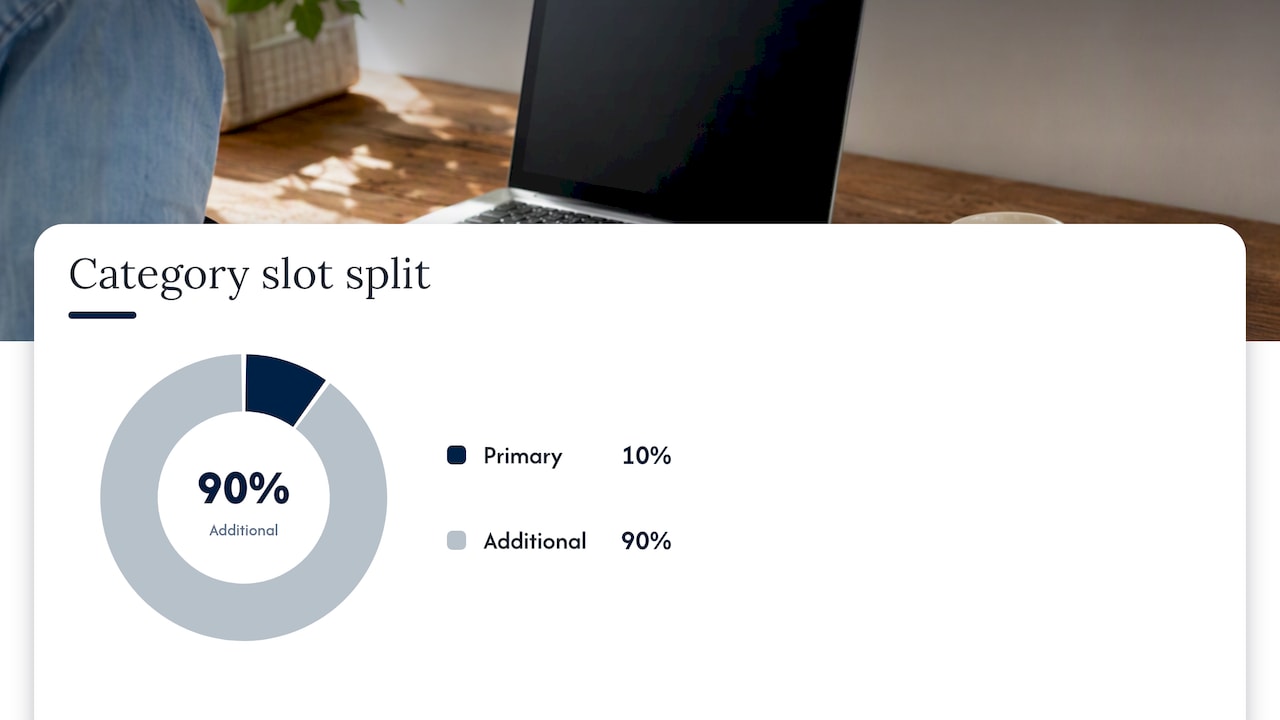
- Additional categories (up to nine) cover secondary services, but Google recommends using them sparingly rather than filling every slot.
- Attributes and services describe specifics, like “wheelchair accessible” or “offers free consultations,” and should never be forced into a category field.
- Website and citation signals reinforce your chosen category; Google can cross-reference your site’s content to validate whether the category actually fits.
Google allows one primary category and several additional categories per listing, with an advised maximum of nine additional categories according to its own editing guidance, according to its own editing guidance, and recommends choosing a more general category only when the specific one you need simply does not exist in the list. That cap is a ceiling, not a target. A locksmith that also sells safes does not need nine categories to describe a two-service business; it needs two accurate ones.
Multi-location brands should also keep category choices consistent across locations, unless individual locations function as genuinely distinct departments or sub-brands with their own identity.
How to Choose Your Primary and Additional Categories
Choosing categories well is less about creativity and more about discipline. Treat it as a short decision process rather than a brainstorm.
- Search the category list for an exact match first. Open the category selector in your profile and type the plainest description of your business, “family dentist,” “auto body shop,” “yoga studio,” before trying anything clever.
- If no exact match exists, choose the closest specific option. A boutique that sells only vintage denim might not find “Vintage Clothing Store” but could reasonably use “Clothing Store” rather than a vague catch-all like “Retail.”
- Fall back to a general category only as a last resort. Google’s own guidance confirms this is the intended fallback order: specific first, general only when nothing closer exists.
- Assign additional categories to real, separate services, not synonyms. A bakery that also runs a coffee bar might add “Coffee Shop” as a second category, but should not add “Cafe,” “Dessert Shop,” and “Bakery” all at once when one or two cover the business accurately.
- Decide whether a second service needs a new listing instead of a new category. If a business operates two materially different operations under one roof, say a hardware store with an attached equipment rental counter that has its own phone line and hours, a separate Business Profile is often more accurate than cramming both into one.
- Document your current categories and performance before making a change. Note your current visibility in local search, your review count, and your Map Pack appearances so you have a baseline to compare against.
- Make the change, then watch, don’t touch anything else for a few weeks. Changing categories and your business description and your hours in the same week makes it impossible to know what caused a shift in visibility.
- Set a rollback trigger in advance. Decide before you make the change what would count as a problem, for example a drop in Map Pack impressions, and commit to reverting if that happens within a defined window.
For businesses with multiple departments, like a med spa that also does laser hair removal and medical weight loss, resist the urge to pile on categories for every service line. Instead, pick the primary category that captures the dominant, most searched-for service, and use additional categories only for the other lines that genuinely represent a different kind of business, not a different menu item. Services and departments within a single discipline belong in the Services section of your profile, not in the category list. For businesses struggling with how to represent multiple service lines accurately, a practical Services feature fix can resolve a lot of the pressure to misuse categories.
Pro Tip: If you are torn between two categories, pick the one that matches the search phrase a first-time customer would actually type, not the one that sounds most impressive on a business card.
Monitoring after a change matters as much as the choice itself. Watch your Business Profile insights for search views, direction requests, and call clicks over the two to four weeks following any category edit. A sudden drop paired with no other changes to your profile is a signal to revert and reassess, not to panic and add more categories to compensate.
How to Find Competitor Categories and Validate Your Choice
Before committing to a category, it helps to see what businesses similar to yours, and ranking well, are actually using. This is quick manual research, not guesswork.
- Open a competitor’s Business Profile on Google Maps and tap their business name to see the category displayed just under it, which is almost always their primary category.
- Check multiple competitors in your exact niche, not just the biggest name in your industry, since a dominant competitor sometimes uses an unusually broad category that works for them because of review volume, not because the category itself is ideal.
- Cross-reference with Google’s own category search inside your profile editor to confirm the category you see competitors using is still an active, selectable option.
- Use third-party category list tools cautiously, checking for a visible last-updated date, since Google adds and retires categories regularly and an outdated list will send you chasing a category that no longer exists.
- For agencies or developers managing multiple profiles, the categories.list method in the Google Business Profile API returns the current, authoritative, localized list directly from Google, which is the most reliable way to confirm a category is live for a given region and language.
Manual inspection works fine for a single business checking a handful of competitors. Once you are managing several client profiles or auditing categories across a franchise, the API becomes the more dependable method, since it removes the guesswork of whether a third-party list has gone stale.
Where to Get the Complete Category List and Use It Safely
There are really two sources for a full Google Business category list: Google’s own API and a handful of third-party sites that scrape and republish it. Both have a place, depending on who you are and what you are trying to do.
The categories.list and categories:batchGet methods return localized category names and metadata directly from Google, and require the business.manage OAuth scope along with a specified regionCode and languageCode. Responses can be paginated, so a full export for a given language and region may take more than one request. This is the only source that guarantees you are seeing exactly what Google currently offers for a specific market.
Third-party lists are faster to browse for a quick manual check, but they are only as good as their last update. Before trusting one, confirm it shows a visible timestamp and specifies which region and language it reflects, since a list built for one country’s category set will not necessarily match another’s.
A common real-world snag: your business genuinely has no exact category match. A mobile pet grooming van, for instance, might not find a category that captures “mobile” and “pet grooming” together. In that case, the safest fallback is the closest specific category, “Pet Groomer,” rather than a vague generic like “Pet Service,” since Google’s own guidance treats “specific first” as the governing principle even when the match is imperfect.
| Source | Best for | Limitation |
|---|---|---|
| Google API (categories.list) | Developers and agencies needing an authoritative, localized, current list | Requires OAuth setup and technical access, not practical for a one-time manual check |
| Third-party list sites | Quick manual browsing for a single business owner | Accuracy depends entirely on how recently the list was updated |
If you want to go deeper on how category choice fits into a broader profile optimization effort, our local business playbook for Google Business Profile walks through the audit process step by step. Readers who want structured, ongoing education on local search beyond categories alone can also look at the Local SEO Academy from BabyLoveGrowth for additional grounding in local ranking fundamentals.
Developer Notes: API Methods for Managing Categories
For agencies and developers syncing or auditing categories across many profiles, the Business Information API exposes a small set of endpoints worth knowing well.
- GET categories.list returns the full category set for a given regionCode (ISO 3166-1) and languageCode (BCP 47), and supports pageSize and pageToken parameters for paginated results when the list is long.
- categories:batchGet retrieves metadata for a specific set of category IDs in one call, useful when you already know which categories you are auditing and just need current display names and attributes.
- Both methods require the business.manage OAuth scope, meaning a developer must have authorized access to the profiles being queried, not just a public API key.
- Category resources carry metadata beyond the display name, including serviceTypes arrays that list services commonly associated with a category, and moreHoursTypes metadata relevant to businesses with specialized hours like delivery or kitchen service, as documented in the categories REST resource.
Typical programmatic workflows built on these endpoints include a bulk audit across a client’s entire location set, flagging any profile using a deprecated or mismatched category; a prefix search to find every category containing a term like “dental” when migrating a multi-location dental group; and syncing localized display names so a business operating in more than one language market shows the correctly translated category string in each region.
Eligibility and Service-Area Rules That Affect Category Choice
Not every business qualifies for a Business Profile, and the ones that do often face different category rules depending on how they operate.
Google’s eligibility guidelines exclude certain business types outright, including purely online brands with no customer-facing location and certain age-restricted product sellers that lack a physical storefront. If your business falls into one of these categories, no amount of careful category selection will make a profile eligible.
For businesses that come to the customer rather than the reverse, Google’s service-area guidance requires defining a service area rather than relying on a storefront address, and a service-area business cannot list only a PO box as its location. Hybrid businesses, those with both a physical storefront and a broader delivery or service radius, can set both an address and a service area simultaneously.
Practical pitfalls to watch for:
- Choosing a category that implies a storefront (like “Showroom”) when you operate purely as a service-area business with no walk-in location.
- Listing a PO box as your address on a service-area profile, which violates Google’s eligibility rules outright.
- Ignoring seasonal operation rules, since seasonal businesses still need accurate hours and categories reflecting their actual offering, not a placeholder.
- Treating a virtual brand or delivery-only kitchen as eligible for a standard storefront category without checking whether it qualifies for a profile at all.
If your business falls into the service-area model, our guide on fixing common Google Business Profile issues for service businesses covers the category and service-area overlap in more detail.
Common Mistakes and a Quick Monthly Audit Checklist
Most category problems come from the same handful of habits, and most are easy to fix once you know to look for them.
- Category stuffing, filling all nine additional slots with near-duplicate categories instead of two or three genuinely distinct ones.
- Using categories to describe attributes or features, like selecting a category meant to signal “open late” instead of using the attributes field where that information belongs.
- Giving co-located businesses the same category when they are actually distinct operations, like a hotel and its on-site spa, which should likely be separate listings with their own accurate categories.
- Changing a primary category without planning for re-verification. Google’s own guidance on managing your business category notes that editing a primary category can trigger a re-verification step, and practitioners generally schedule such changes during low-demand periods and document current traffic and reviews beforehand, in case a temporary visibility dip follows.
- Never revisiting category choice after Google adds new, more specific options. The category list grows over time, and a category that did not exist when you first set up your profile might now be a better fit.
Pro Tip: Set a recurring 10-minute check on your calendar, once a month, to re-search your primary category in the selector and confirm a more specific option hasn’t since appeared.
A simple monthly audit: confirm your primary category still matches your core offering, scan your additional categories for anything that overlaps or duplicates another, check Business Profile insights for any unexplained dip in search views or direction requests, and verify your website still reflects the same business description Google would read for relevance.
How We Approach Category Audits for Local SEO Clients
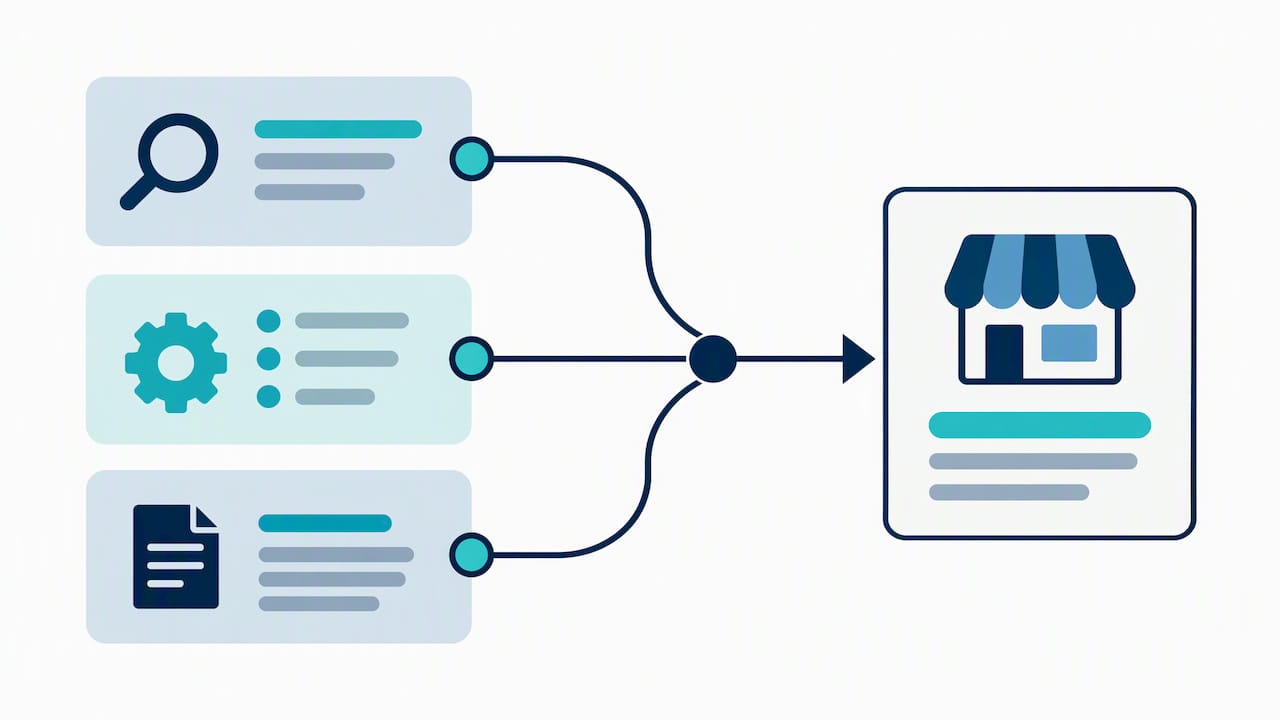
When we run a local SEO project, a category audit is one of the first things we check, not an afterthought bolted on at the end. We look at whether the primary category matches the dominant search intent for that business, whether additional categories are adding real coverage or just clutter, and whether the website’s own content backs up the category choice Google sees on the profile.
In practice, the perfect category is sometimes missing, and we have learned that forcing a slightly-off specific category almost always beats defaulting to a vague general one. We also treat primary category changes carefully, since a change made at the wrong time can trigger re-verification and a short-term dip in visibility that spooks a client who was not warned it might happen.
If you want a second opinion on your own category setup, our local SEO report walks through exactly this kind of audit.
— Michael
Get Your Google Business Profile Categories Reviewed
Picking the right category is a one-time decision with a long tail of consequences, and getting it wrong quietly costs visibility for months before anyone notices why. Google Business Profile optimization includes category audits, attribute cleanup, and service listing fixes alongside on-page SEO signals that back up your category choice.

A professional team can review your current primary and additional categories against what your business actually does, check them against what similar businesses in your market are using, and flag anything that might be holding back your Local Pack visibility. These services are often paired with ongoing reputation management and regular performance reporting, so you can see what changed and why, rather than receiving just a one-time recommendation with no follow-up.
If you want a clear look at where your profile stands, start with our Google Business Profile services and we will walk you through what we find.
FAQ
What is the difference between a primary and additional Google Business category?
Your primary category is the single strongest ranking signal on your profile and should be the most specific description of what your business IS. Additional categories, up to nine of them, cover genuinely separate services but carry less ranking weight and should be used sparingly.
How many Google Business categories should I use?
Google allows one primary category plus up to nine additional categories, but using all nine is rarely the goal. Most businesses are accurately represented with just a primary category and one or two additional ones that reflect genuinely distinct services.
Can changing my primary category hurt my ranking?
Changing a primary category can trigger a re-verification step and a short-term shift in visibility, according to Google’s own category management guidance. It is worth documenting your current traffic and reviews before making the change and planning it during a slower period for your business.
What happens if the exact category I need doesn’t exist?
Google’s own guidance recommends choosing a more general category when the specific one you need is not available, rather than forcing an inaccurate specific match. Check back periodically, since Google regularly adds new categories to the list.
Are service-area businesses eligible for the same categories as storefronts?
Yes, service-area businesses choose from the same category list, but they must define a service area rather than relying solely on a storefront address, per Google’s service-area guidance. A service-area profile cannot list only a PO box as its location.